Self-service video creation for complex software

From documents to a well explained video.

Transform your text, slides, and notes into engaging videos. Clyep's AI automatically generates the script, visuals, and voiceover, keeping you in full control of the creative process.

Try it free · no signup

Free · no signup · one video on us · ready in a couple of minutes

Clyep (pronounced “clip”) is built by a team with deep expertise in technical education, backed by a community of 100,000+ practitioners.

0 practitioners in our community
0 countries reached
0 videos generated

See what Clyep produces.

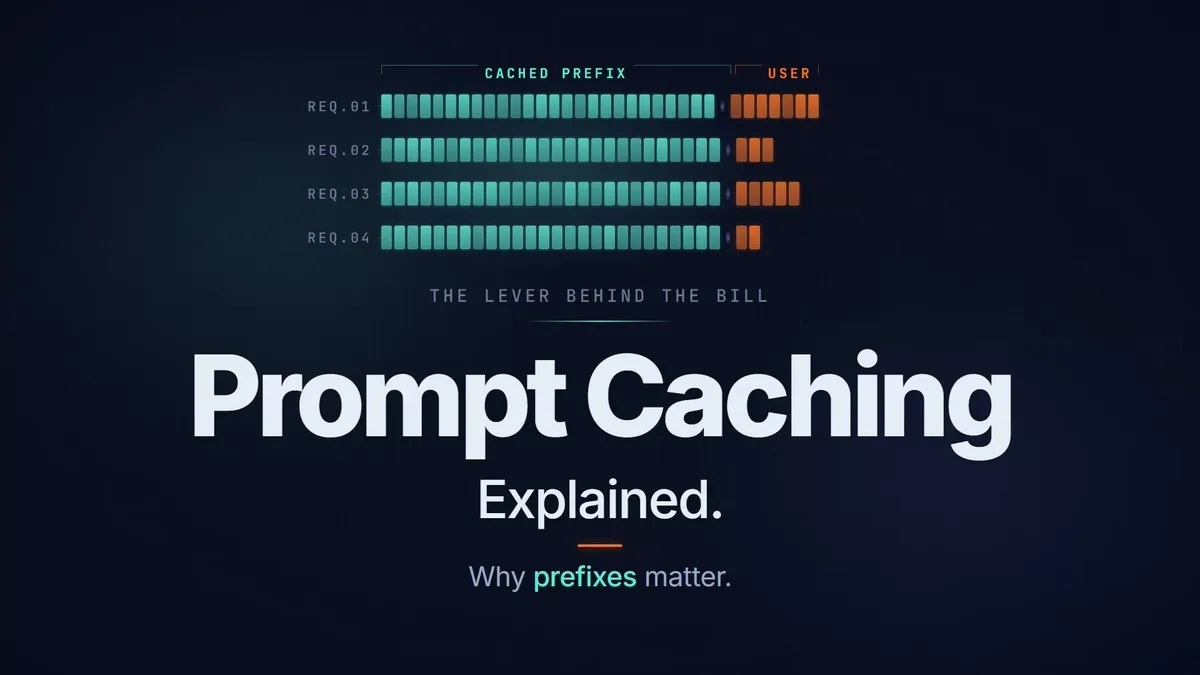
Prompt Caching Explained: Why Prefixes Matter

Production notes

  • Two identical prompts with a 10x cost gap reveal
  • Token-by-token KV vector computation animation
  • Stable head vs variable tail prompt breakdown
  • Prefix tree build-up with cache hit and miss walkthroughs
  • Cache eviction and its cost and latency impact
Explainer

Prompt Caching Explained: Why Prefixes Matter

Why two identical prompts can cost 10x differently, and how KV caching and prefix trees decide which calls you pay full price for.

6:01 Software Engineers Intermediate
LangSmith Tutorial: Observability & Tracing for AI Agents

Production notes

  • Environment variable setup walkthrough
  • Live terminal output showing trace capture
  • LangSmith dashboard monitoring demo
  • Narration-synced code highlighting
Product Demo Developer Tutorial

LangSmith Tutorial: Observability & Tracing for AI Agents

Set up LangSmith from scratch and trace every step your AI agent takes, from environment config to production monitoring.

2:50 AI/ML Developers Beginner
Mercury 2: The Fastest Reasoning Language Model

Production notes

  • Autoregressive vs diffusion architecture comparison
  • Parallel token refinement visualization
  • Speed benchmark animations
  • Zed editor integration demo
Explainer Product Demo

Mercury 2: The Fastest Reasoning Language Model

How Mercury 2 by Inception Labs breaks the autoregressive bottleneck with diffusion-based parallel token generation to achieve 1,009 tokens per second.

3:54 ML Engineers Intermediate
Who it’s for

Built for teams that explain complex things.

Product & Marketing

Polished product demos without pulling engineers into production.

Every product change breaks a screen recording. Clyep produces demos from designed visuals, so when the UI changes, you edit only the affected scenes and re-render. No re-recording, no agency handoff, no weeks of turnaround.

  • Launch and feature videos that look professional
  • Feature explainers with UI mockups, not recordings
  • Scene-level updates when the product ships
Creative control

What you control.

Every dimension of the video is yours to direct. We execute with precision.

Content & Formats

Code, diagrams, UI, terminal, and data viz. Overview to deep dive, all in one video.

Code
Diagram
UI
Terminal
Data
OverviewDeep dive

Brand & Design

Your colors, fonts, logo, and layout. Horizontal, vertical, or square. Every frame on-brand.

AaInter / JetBrains Mono
LOGO 16:9 9:16 1:1

Voice & Narration

Choice of voice style, pacing, and accent. Precisely timed to every visual.

Style
ConversationalAuthoritativeInstructional
Pacing
Slow
Fast
Accent
USUKAUNeutral

Language & Captions

Multilingual narration, on-screen text, and captions from the same source.

EN“When the request fails…”
DE“Wenn die Anfrage fehlschlägt…”
JA「リクエストが失敗した場合…」
ES“Cuando la solicitud falla…”
CC Captions included
The process

How it works.

From a rough brief to a rendered MP4 in one sitting. When your product changes, edit the affected scenes and re-render.

01

Brief

Describe the video: subject, audience, takeaway. Attach docs, decks, or links.

02

Storyline

Pick from AI-drafted narrative options and choose the visual direction.

03

Script

Review and edit the scene-by-scene beat script before production.

04

Preview & Iterate

Watch live scene previews. Comment, and the agent revises in place.

05

Render

Export the final MP4 with transcript and captions, ready to publish.

Scenes play as live in-browser previews while you work - you only spend render minutes when you explicitly hit Render.

Quality by design

You direct every stage. Nothing ships you didn’t approve.

Clyep isn’t a one-shot generator. It moves through checkpoints you control - pick the storyline, set the visual direction, edit the script, and preview every scene live in your browser before you commit a single render minute.

your-project.review
You’re in control
1
Storyline Choose from narrative options built from your brief.
You approve
2
Visual direction Set the theme, palette, and layouts - or match your brand kit.
You approve
3
Script Review and edit the narration, beat by beat.
You approve
4
Preview & render Watch every scene play live, then render only when you say so.
You approve
Common questions

Still have questions?

What do I need to provide?

A written brief: what to explain, who it's for, and the takeaway. Attach docs, a feature list, or URLs as source material. The pipeline handles scripting, visual design, narration, and rendering.

Do I need to record myself or shoot raw video?

No camera, no screen recording. You provide a brief and source materials; Clyep handles scripting, visual design, animation, narration, and production. You review and direct at key checkpoints.

Are the videos made by AI?

They're AI-produced and human-directed - by you. The pipeline writes, designs, narrates, and renders; you pick the storyline, set the visual direction, edit the script, and approve every stage. AI handles the precision work. The editorial judgment stays yours.

Is the narration AI-generated?

Yes, from a curated library of state-of-the-art synthetic voices. Editing narration text or switching voices never loses work - generated audio is cached and comes back if you revert.

Do you use AI avatars or talking heads?

No. Clyep deliberately avoids synthetic human faces. The uncanny valley effect undermines credibility with technical audiences. Clyep videos are visual and narrated: the content is on screen, no presenter in the frame.

How long does it take to make a video?

Minutes, not weeks. Most projects go from brief to a rendered MP4 in a single sitting - your time goes into reviewing storylines, editing the script, and iterating on scenes, not production work.

Is this a tool I sign up for, or a service?

A self-service platform. Sign up, write a brief, direct the pipeline through its checkpoints, and download the finished video with transcript and captions.

What if my product changes after the video is done?

Open the project, edit the affected scenes, and re-render. Unchanged scenes and cached narration carry over, so an update takes a fraction of the original effort - not a remake.

How is this different from Loom, a video agency, or an AI video tool?

Loom captures what's on screen but depends on a live performance and looks like a screen recording. Agencies produce polished video but rarely understand technical products deeply enough. Generic AI tools produce output technical audiences see through. Clyep combines production quality with real technical fluency - and puts the controls in your hands.

Ready when you are.

Your product is hard to explain. The video shouldn't be hard to make.